How Hackers Use AI to Attack Websites (and How to Protect Yours in 2026)
How attackers use AI to find and break into small business websites, and a 12-point checklist to protect yours: plugin updates, two-factor login, API keys, backups and chatbot safety.
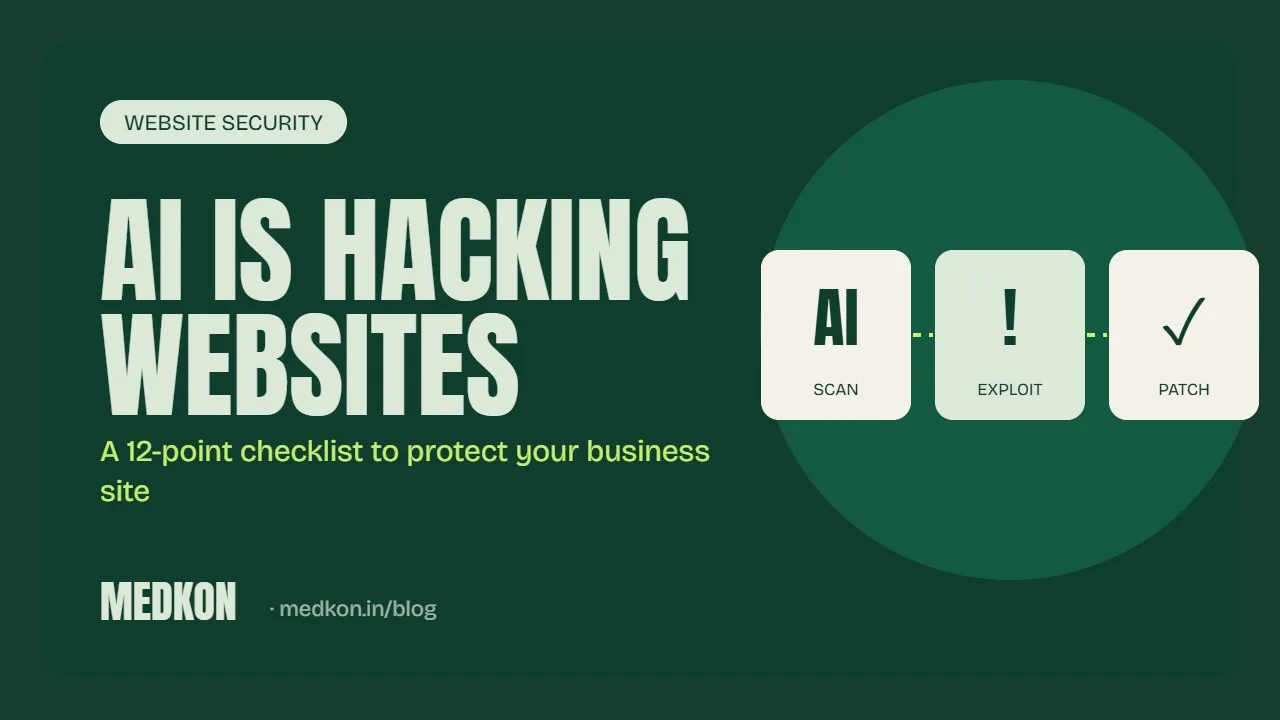
Attackers now use AI to do in minutes what used to take a skilled person a day: scan thousands of websites for outdated plugins, guess weak passwords, find API keys left in public code, and write convincing phishing emails in perfect English or Hindi. Small business websites are the easiest targets because nobody is watching them. The good news is that the defences have not changed much. Most attacks still succeed through the same few gaps, and closing them is cheap.
This guide explains how AI-assisted attacks actually work and gives you a checklist you can run on your own site this week. We build and secure automation systems for clients, so this comes from fixing real sites, not from a brochure.
How attackers use AI against websites
AI does not give hackers magic powers. It makes the boring parts of an attack faster and cheaper, which means more small sites get hit.
- Automated scanning. Bots crawl the web looking for known weak versions of WordPress plugins, themes, admin panels and server software. AI helps them read the results and pick the easiest targets.
- Faster exploit writing. When a plugin vulnerability is published, attackers can turn the description into working attack code much faster than before. The window between "patch released" and "sites being attacked" is now often days, not weeks.
- Credential attacks. Leaked passwords from other breaches are tried against your WordPress, Shopify staff, cPanel and email logins at scale.
- Leaked keys. API keys for payment gateways, WhatsApp, OpenAI or email services pasted into website code or a public GitHub repo are found and abused, sometimes within hours.
- Better phishing. AI writes convincing emails that look like they come from your hosting company, your bank or a client, aimed at whoever manages the website.
- Attacks on chatbots. If your website chatbot can see customer data or take actions, attackers try "prompt injection": messages designed to trick the bot into revealing information or doing something it should not.
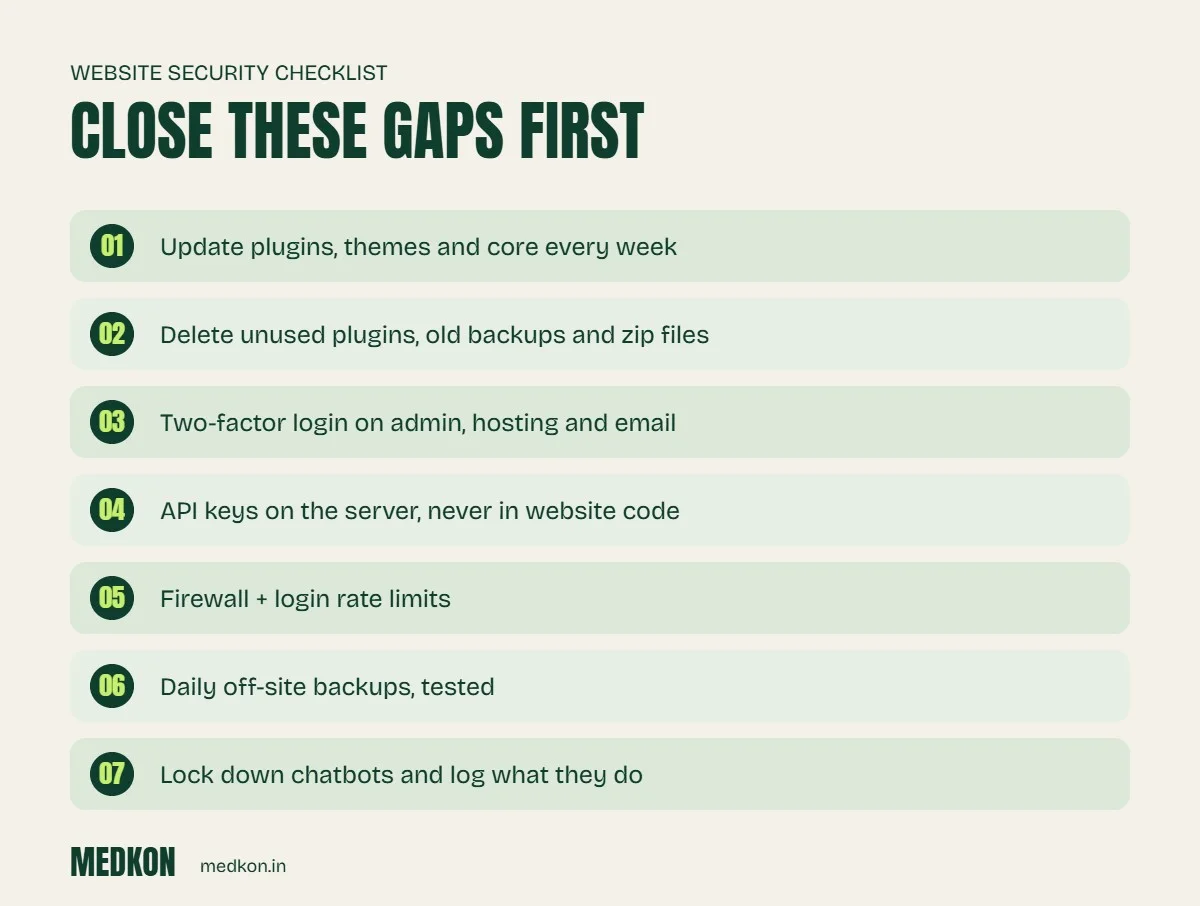
The 12-point protection checklist
1. Keep plugins, themes and core updated
Security researchers consistently find that most new WordPress vulnerabilities are in plugins, not in WordPress itself. Turn on automatic minor updates, check for plugin updates every week, and take a backup before major updates. The same applies to Shopify apps and any server software your host lets you control.
2. Delete what you do not use
A deactivated plugin can still be attacked if its files are on the server. Remove unused plugins, themes, test pages, old backups and zip files from your hosting account. Old backup folders inside the public website folder are a common way attackers download your entire site.
3. Only install plugins that are maintained
Before installing, check when the plugin was last updated, how many active installs it has and whether the developer replies to support questions. A plugin that has not been updated in a year is a risk.
4. Turn on two-factor login everywhere
WordPress admin, Shopify staff accounts, hosting panel, domain registrar, Google Workspace and email. Two-factor login stops most password attacks even when the password has leaked.
5. Use unique passwords and remove old users
Every person gets their own login with the lowest role they need. When a freelancer or employee leaves, remove their account the same day.
6. Never put API keys in website code
Keys for Razorpay, WhatsApp, OpenAI, email or your CRM belong on the server in environment settings, never in JavaScript that visitors can read or in a public code repository. Give each key only the permissions it needs, and rotate it if you think it was exposed.
7. Put a firewall in front of the site
A web application firewall such as Cloudflare or your host's built-in option blocks a large share of automated scans and login attacks before they reach your site.
8. Limit login attempts and hide nothing important behind "secret" URLs
Rate-limit logins and lock accounts after repeated failures. Do not rely on an unusual admin URL as your only protection.
9. Take daily off-site backups and test them
Store backups outside your hosting account, keep at least 30 days, and restore one to a test site every few months. A backup you have never restored is a hope, not a plan.
10. Use HTTPS and security headers
Force HTTPS on every page and add basic security headers (HSTS, X-Content-Type-Options, a sensible Content Security Policy). Your developer can do this in an hour.
11. Lock down chatbots and AI automations
An AI chatbot should only see the information it needs to answer questions. It should never be able to read your full customer list or run actions without checks. Log what it does, limit how many requests it can make, and test it with messages that try to trick it.
12. Watch for problems
Set up uptime monitoring, Google Search Console alerts and file-change alerts. Many hacked small business sites are only discovered when Google shows a "this site may be hacked" warning, by which time leads have already been lost.
What to do if your site is hacked
- Change every password: hosting, CMS, database, email and domain registrar.
- Take the site offline or into maintenance mode if it is sending spam or redirecting visitors.
- Restore a clean backup from before the attack, then update everything immediately.
- Find how they got in (usually an outdated plugin or a leaked password) and close that gap, or it will happen again.
- Check Google Search Console for security issues and request a review once clean.
How we build secure automation
At Medkon every AI agent and business automation we ship runs with the smallest permissions it needs, keeps keys on the server, logs its actions and is documented, so your team stays in control. If you want a second pair of eyes on your current site, our team can run this checklist for you. See pricing or message us; we reply within 45 minutes during working hours.
Frequently asked questions
Can AI really hack my website?
AI does not hack sites by itself, but attackers use it to scan for weak sites faster, write attack code sooner after a vulnerability is published and write better phishing emails. The result is that more small sites get attacked, more often.
What is the most common way small business websites get hacked?
Outdated plugins and themes, followed by weak or reused passwords. Keeping everything updated and turning on two-factor login closes most of the risk.
How often should I update WordPress plugins?
Check at least once a week, and apply security updates as soon as they are released. Take a backup before major updates.
Is a website chatbot a security risk?
It can be if it has access to customer data or can take actions without checks. A safe chatbot sees only what it needs, logs what it does and is tested against messages that try to trick it.